September 11th, 2025
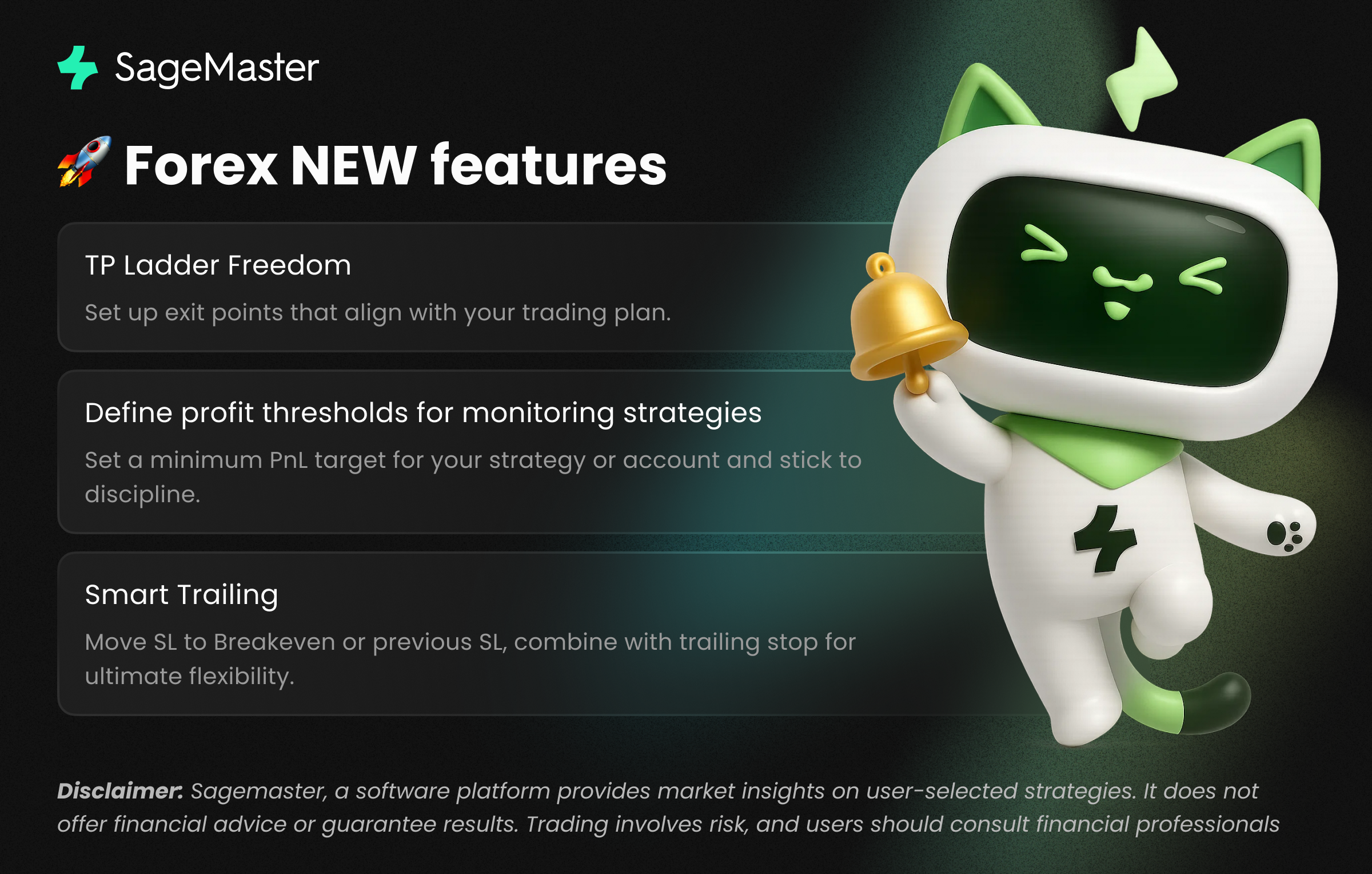
📢 Release Notes – Next-Level Strategy Update
Disclaimer: The following notes describe recent product improvements. The information is for general informational purposes only and should not be considered financial advice.
We’ve been listening to your feedback and focused this release on clarity, flexibility, and control. From improved naming conventions to advanced profit protection tools—here’s what’s new and why it matters:
🚀 What’s New?
Global Renamings for Clarity
Smart Assist → Strategy
Trade Idea Provider → Indicator Provider
Setup a Smart Assist from scratch → Create a Strategy
Use preset → Setup a Strategy
➡️ Why it matters: clear and intuitive naming makes it easier for new and experienced traders to instantly understand the workflow. Less jargon, more precision.
Preview Preset Settings Before Launching a Strategy
You can now review all settings (not just account type & money management) before running a strategy. This transparency ensures more confidence before execution.
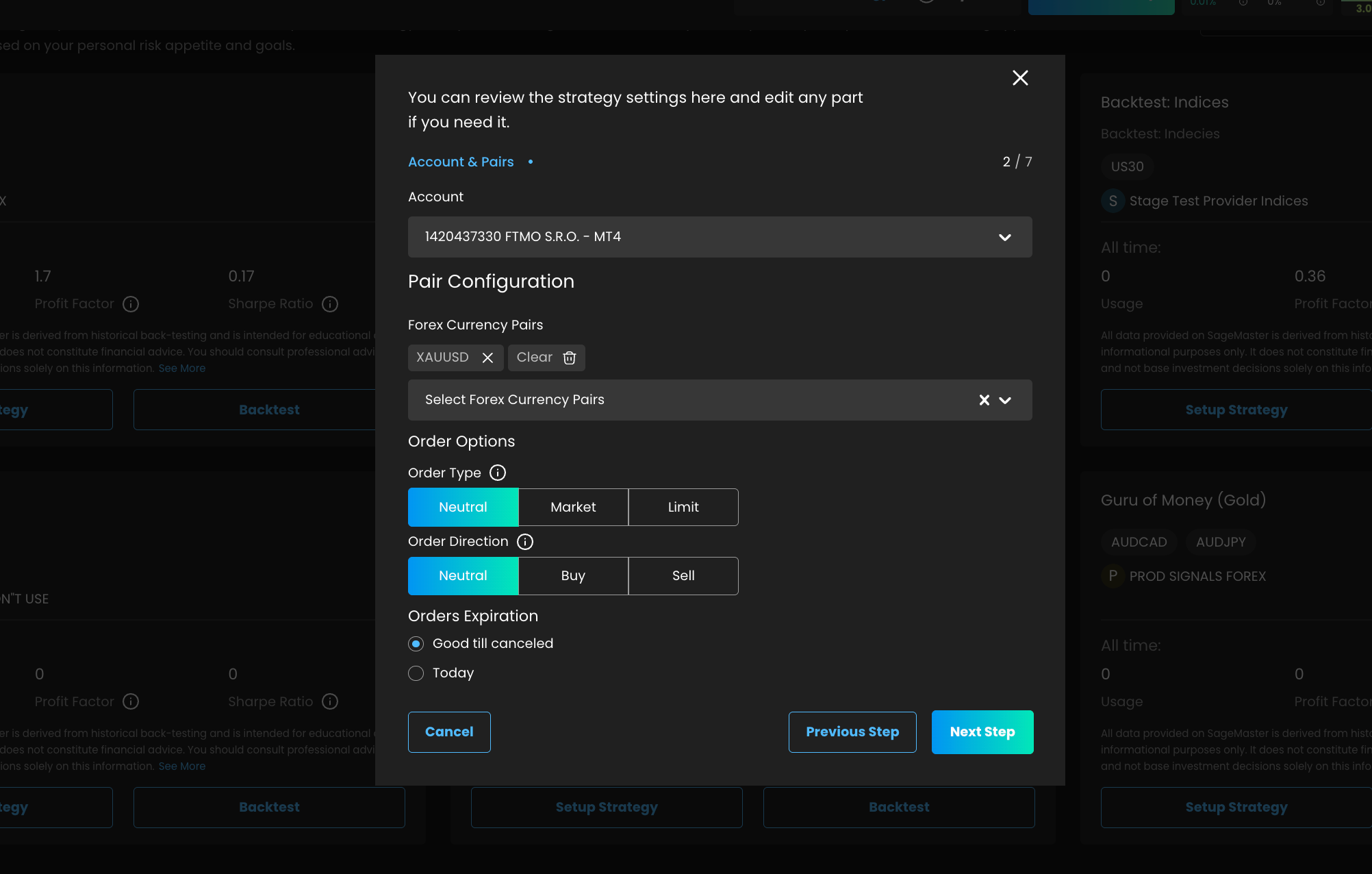
Flexible Profit Options with Indicator Levels
Previously, strategies use your indicator provider’s TP4. Now you can:
Set all profit levels progressively (ladder mode).
Select a specific indicator level (single target mode).
Define your own progressive TP ladder.
➡️ Why it matters: greater flexibility to align profits with your personal trading style.
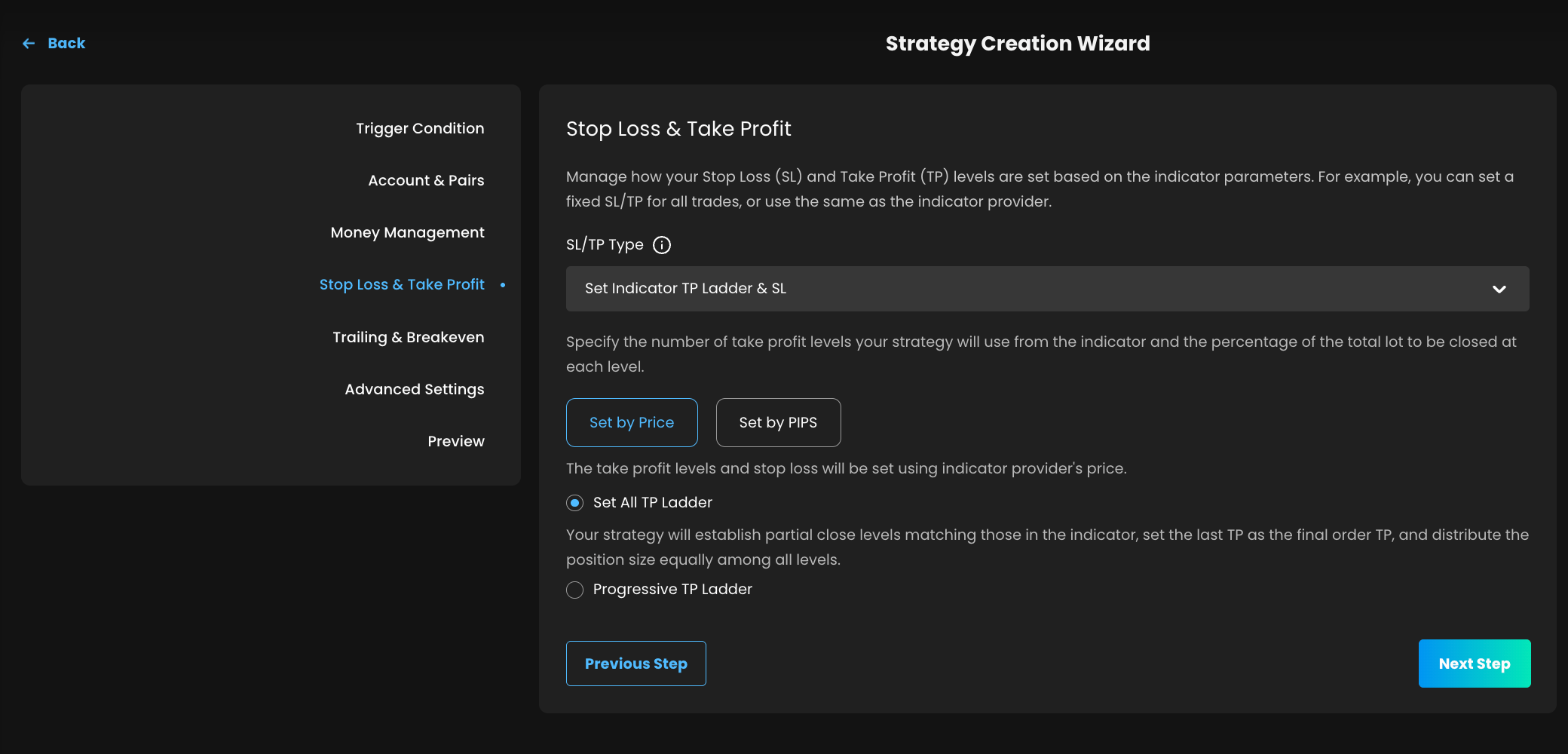
Smart Trailing (Enhanced Trailing Settings)
Trailing Stop and Breakeven settings are now unified in one block with Smart Trailing option:
Move Stop Loss to Breakeven.
Move Stop Loss to the Previous Take Profit Level
➡️ Why it matters: streamlined risk management in one place.
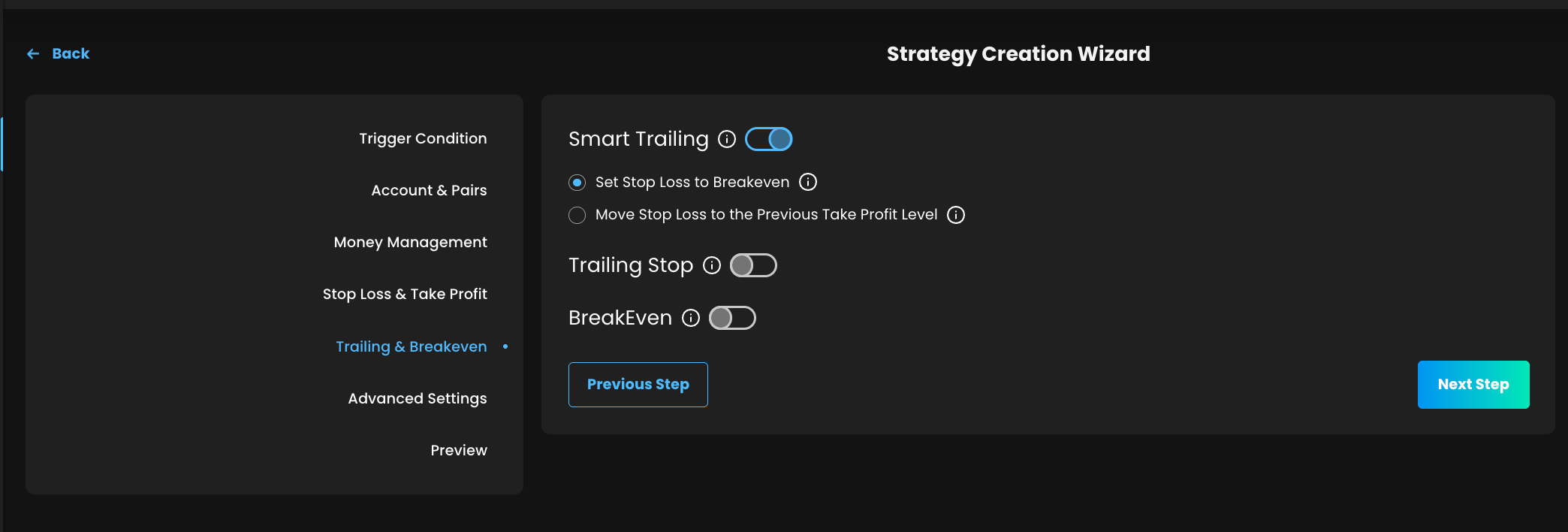
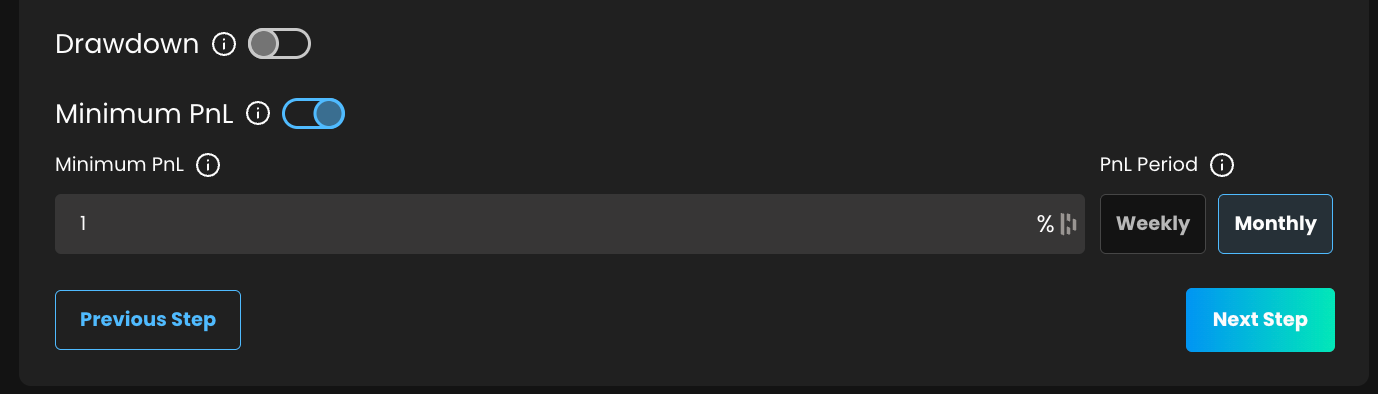
Beyond protecting from losses, now you can lock in profits by setting a Minimum PnL after which your strategy stops accepting new ideas.
➡️ Why it matters: secure gains, protect discipline.
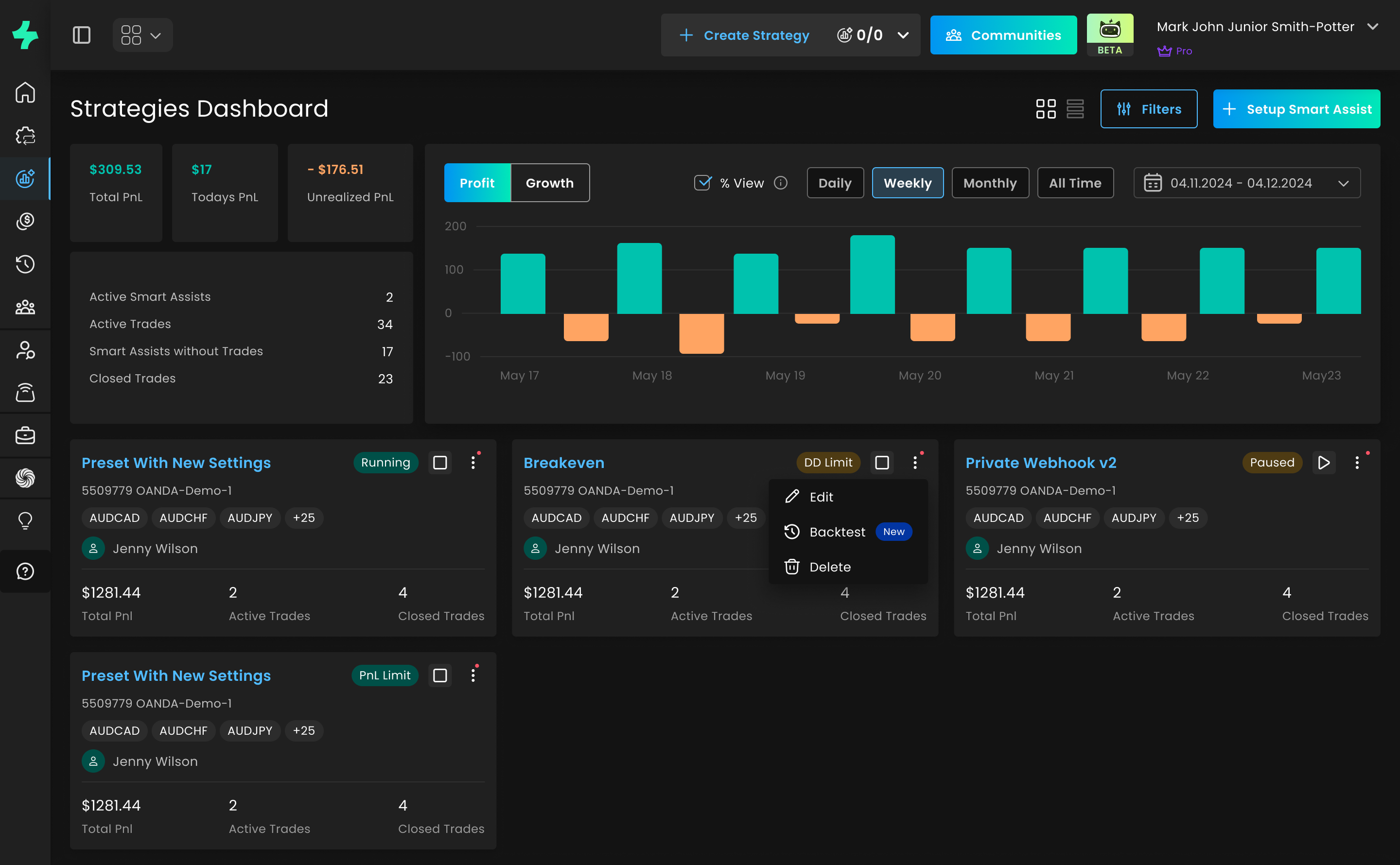
Updated Filters on Strategies Dashboard
Unified with the Presets page—filter by platform, broker account, indicator provider, or symbols for a more seamless experience.
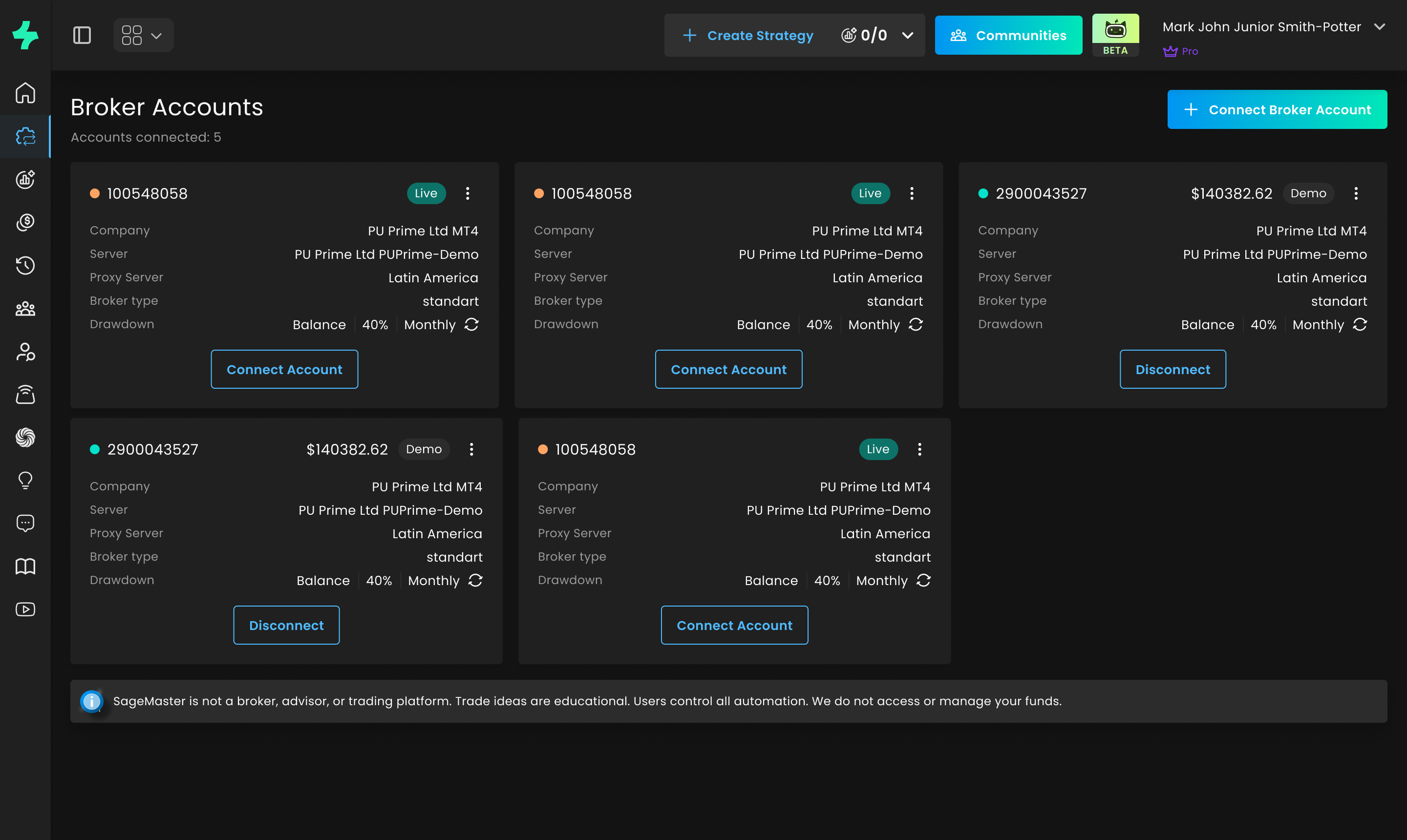
Account Labels: Demo vs. Live
No more confusion—clearly see whether you’re running a demo or a live account.
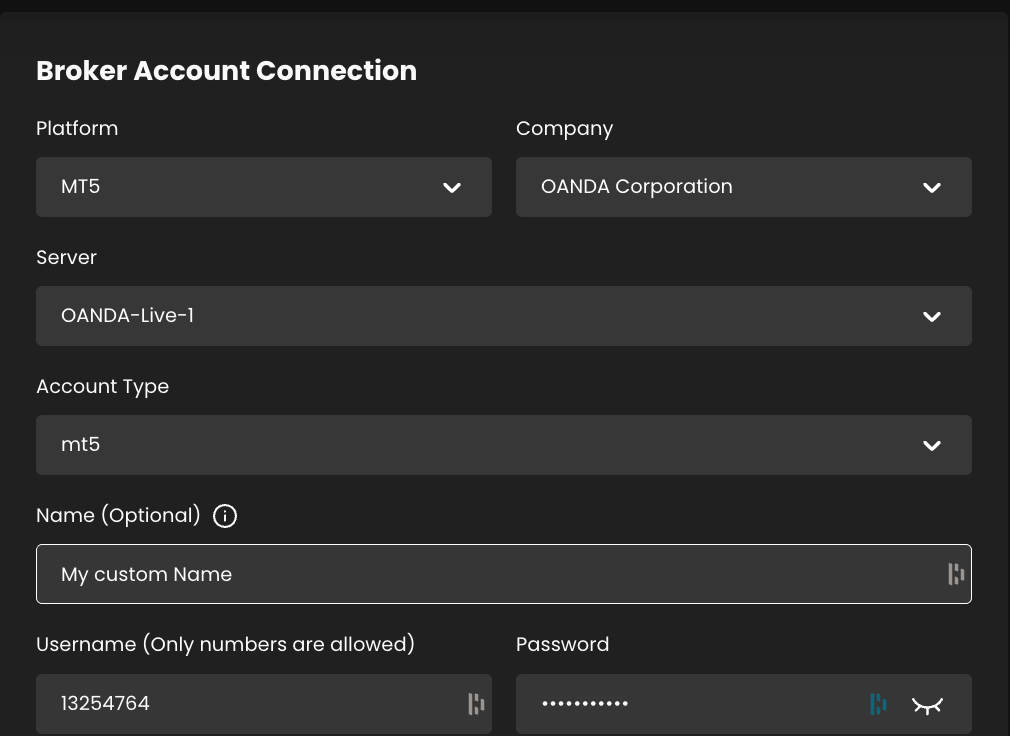
Custom Names for Broker Accounts
Add personalized labels to your broker accounts for easier tracking.
Fixes & Improvements
Dozens of smaller enhancements to polish the overall experience.
Thank you for choosing SFX! Enjoy our latest features and stay tuned for more updates.