December 1st, 2025
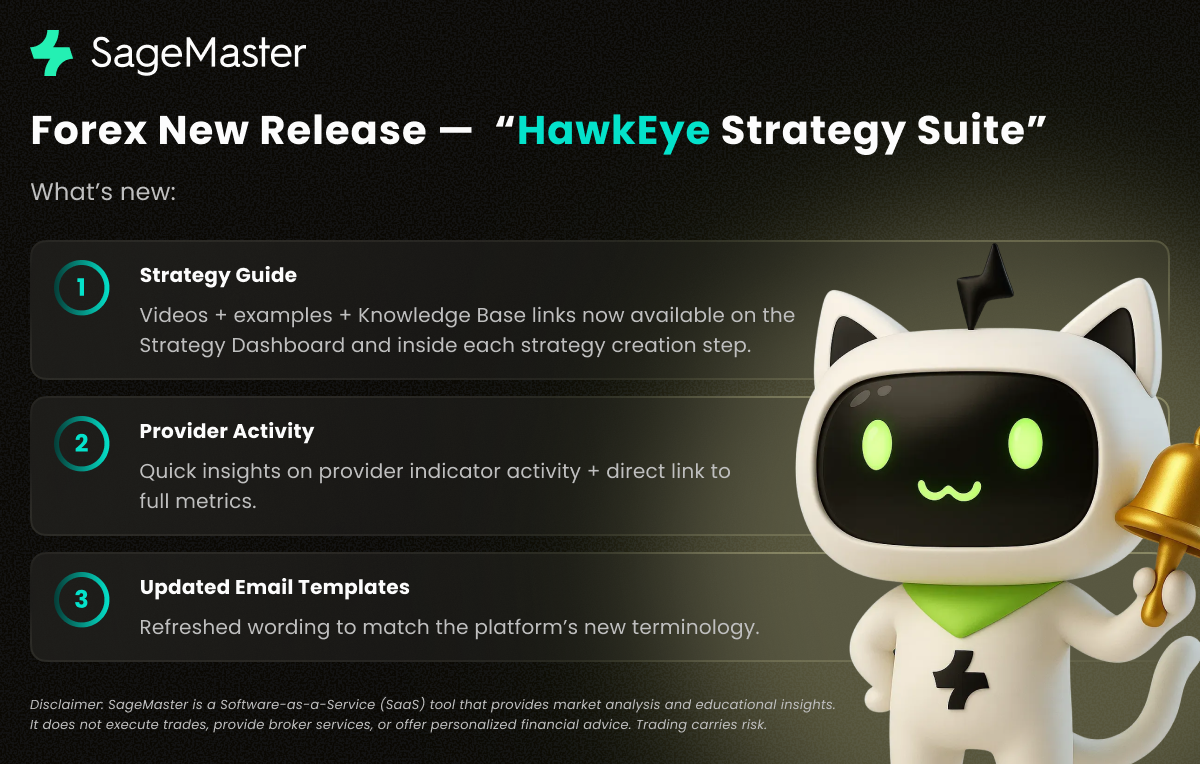
SageMaster Forex New Release — “HawkEye Strategy Suite”
Disclaimer: SageMaster is a Software-as-a-Service (SaaS) tool that provides market analysis and educational insights. It does not execute trades, provide broker services, or offer personalized financial advice. All trading decisions remain with the user, and outcomes are not guaranteed. Trading carries risk, including the potential loss of capital.
1. Strategy Guide: Your New In-App Learning Companion
What’s new:
A dedicated Strategy Guide is now available directly on the Strategy Dashboard in the upper-right corner (under the Performance chart). It includes step-by-step videos, examples for every settings block, and direct links to our Knowledge Base for deeper reading.

During strategy creation or editing, users can also open a relevant video or read an article tailored to the specific settings step they’re working on.

Why it matters:
This gives traders a clear, contextual learning path without leaving the platform. Whether you’re configuring entries, exits, or risk rules, the matching explanation is now one click away—making strategy building easier, faster, and more intuitive.
2. Provider Activity: Transparent Insights Before You Commit
What’s new:
A new Provider Activity section appears when you create a strategy or run a backtest. It shows:
How many indicators the provider sent and the time of the latest indicator
A quick link to the provider’s full statistics and performance metrics

Why it matters:
This snapshot offers immediate clarity on whether a provider is active, consistent, and relevant to your strategy’s logic. It helps users make smarter decisions about subscribing to a provider or selecting one for a new strategy—without needing to navigate away.
3. Updated Email Templates: Clearer, Aligned Terminology
What’s new:
All email templates have been refreshed to use the latest platform terminology.
Why it matters:
The goal is a consistent, unified experience—whether the user is in the app, reading notifications, or engaging with messages. This reduces confusion and ensures that all communication reflects the platform’s current structure and vocabulary.
Thank you for choosing SFX! Enjoy our latest features and stay tuned for more updates.