October 31st, 2025
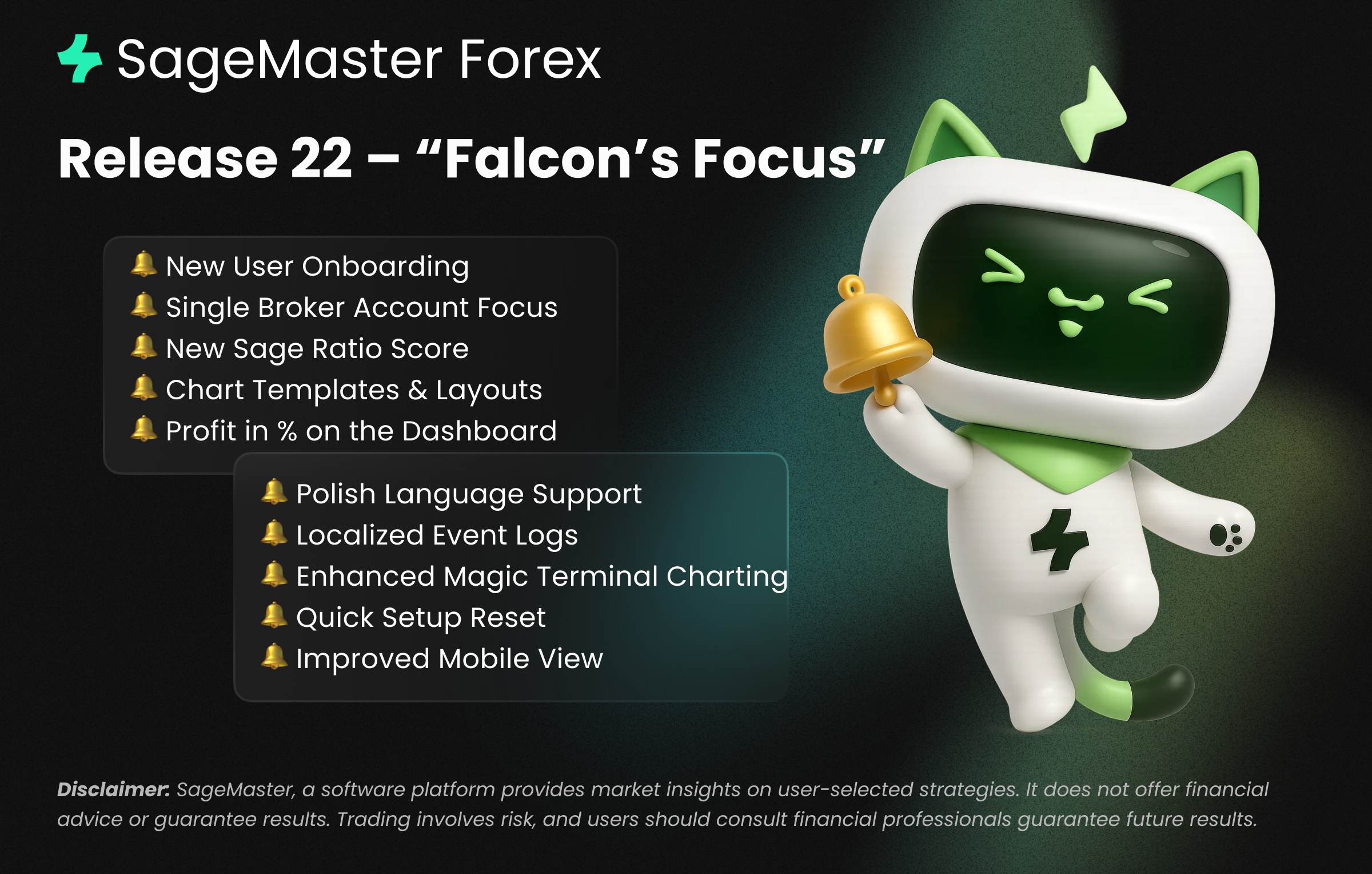
Release 22 – “Falcon’s Focus”
Disclaimer: SageMaster is a Software-as-a-Service (SaaS) tool that provides market analysis and educational insights. It does not execute trades, provide broker services, or offer personalized financial advice. All trading decisions remain with the user, and outcomes are not guaranteed. Trading carries risk, including the potential loss of capital.
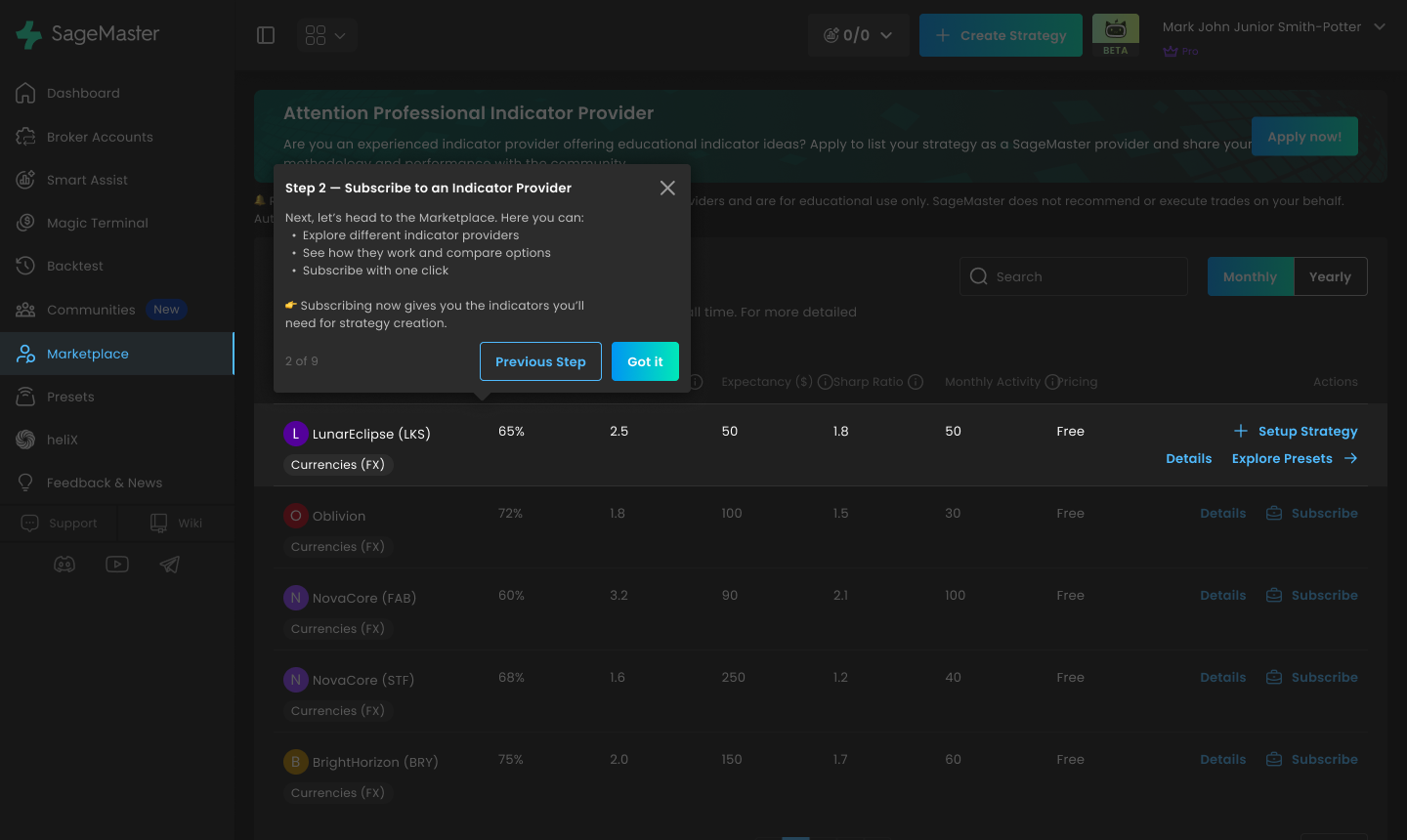
1. User Onboarding Tool
What’s new: New users are automatically guided through an onboarding process, and existing users can access it anytime from the main dashboard (upper right corner).
Why it matters: This ensures a smoother start and helps users explore all key features without missing critical setup steps.
2. Polish Language Support
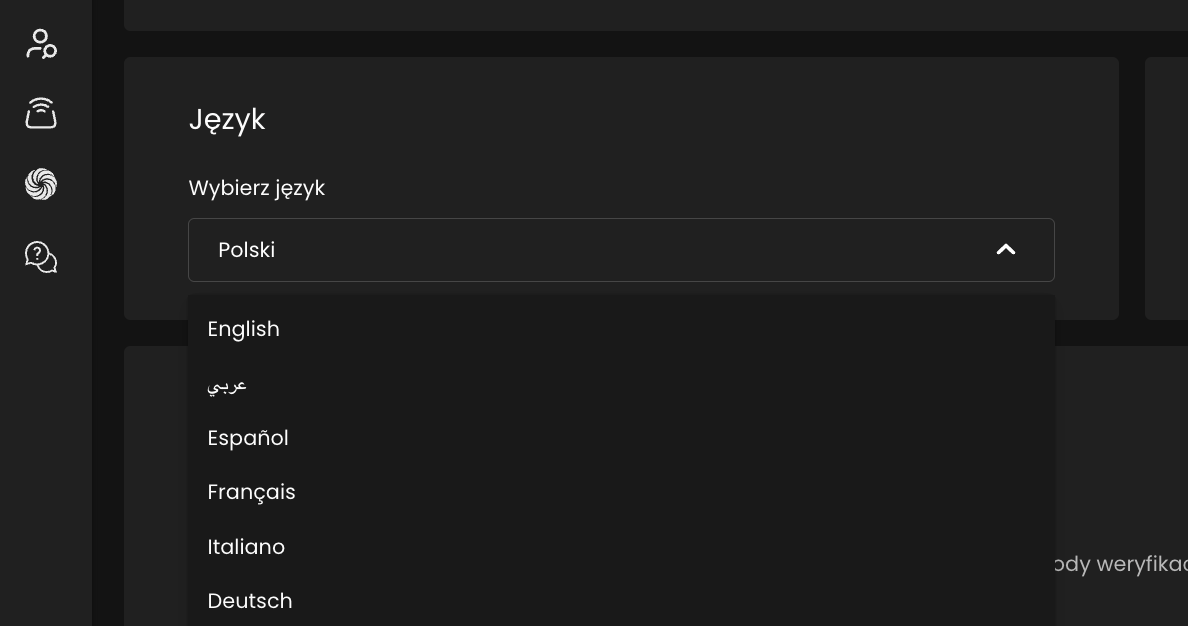
What’s new: SageMaster now speaks Polish! Users can select Polish as their system language in the settings.
Why it matters: Expands accessibility for our growing European user base and supports better comprehension for non-English speakers.
3. Single Broker Account Focus
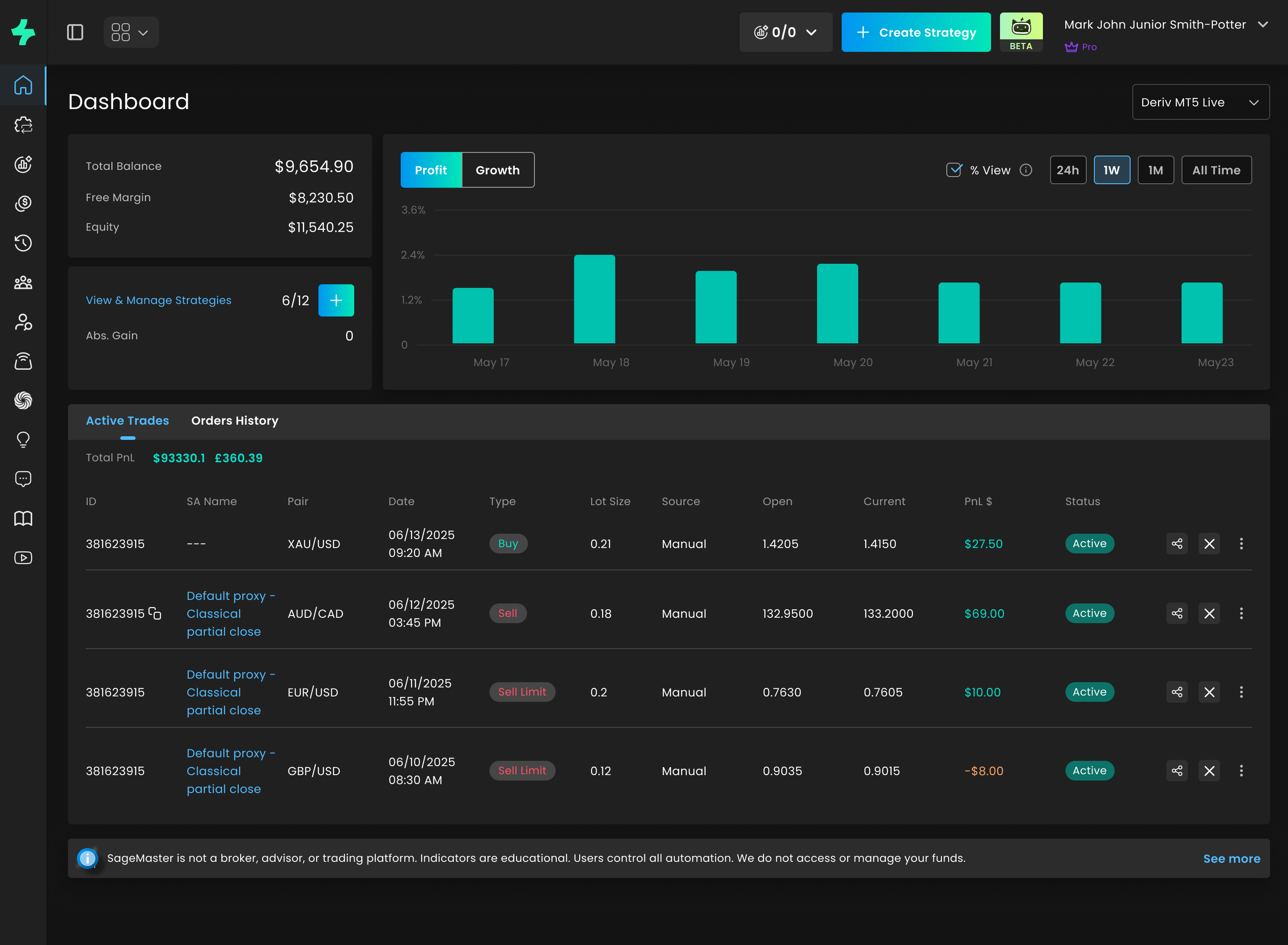
What’s new: You can now work with one broker account at a time across the main dashboard, strategies dashboard, and Magic Terminal.
Why it matters: Switching accounts updates all views instantly, ensuring consistent and accurate PnL tracking across every section.
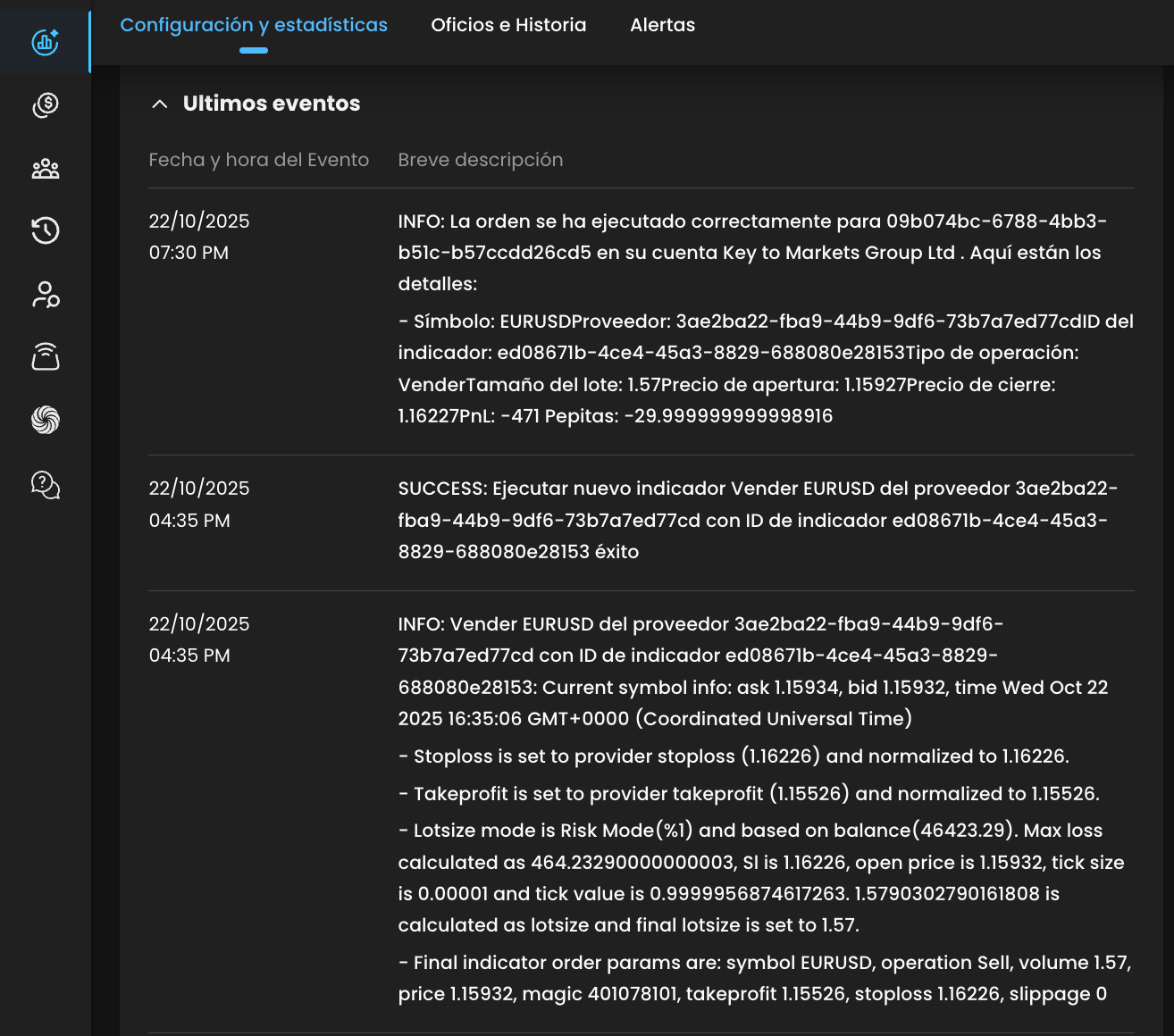
4. Localized Event Logs
What’s new: Strategy event logs are now automatically translated into your chosen system language (previously English-only).
Why it matters: Easier to follow and interpret your strategy events, regardless of your preferred language.
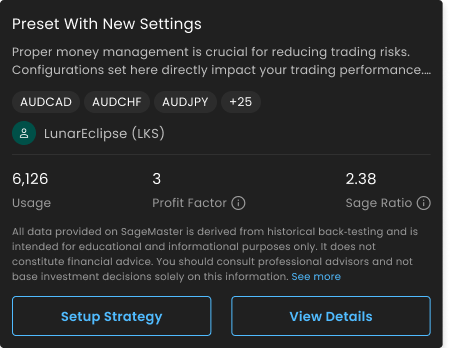
5. Sage Ratio Score
What’s new: Introducing the Sage Ratio Score, a proprietary metric that measures a strategy’s resilience—focusing on drawdown recovery and profit consistency.
Why it matters: A smarter way to assess performance quality and identify stable, well-managed strategy providers or presets.
6. Enhanced Magic Terminal Charting
What’s new:
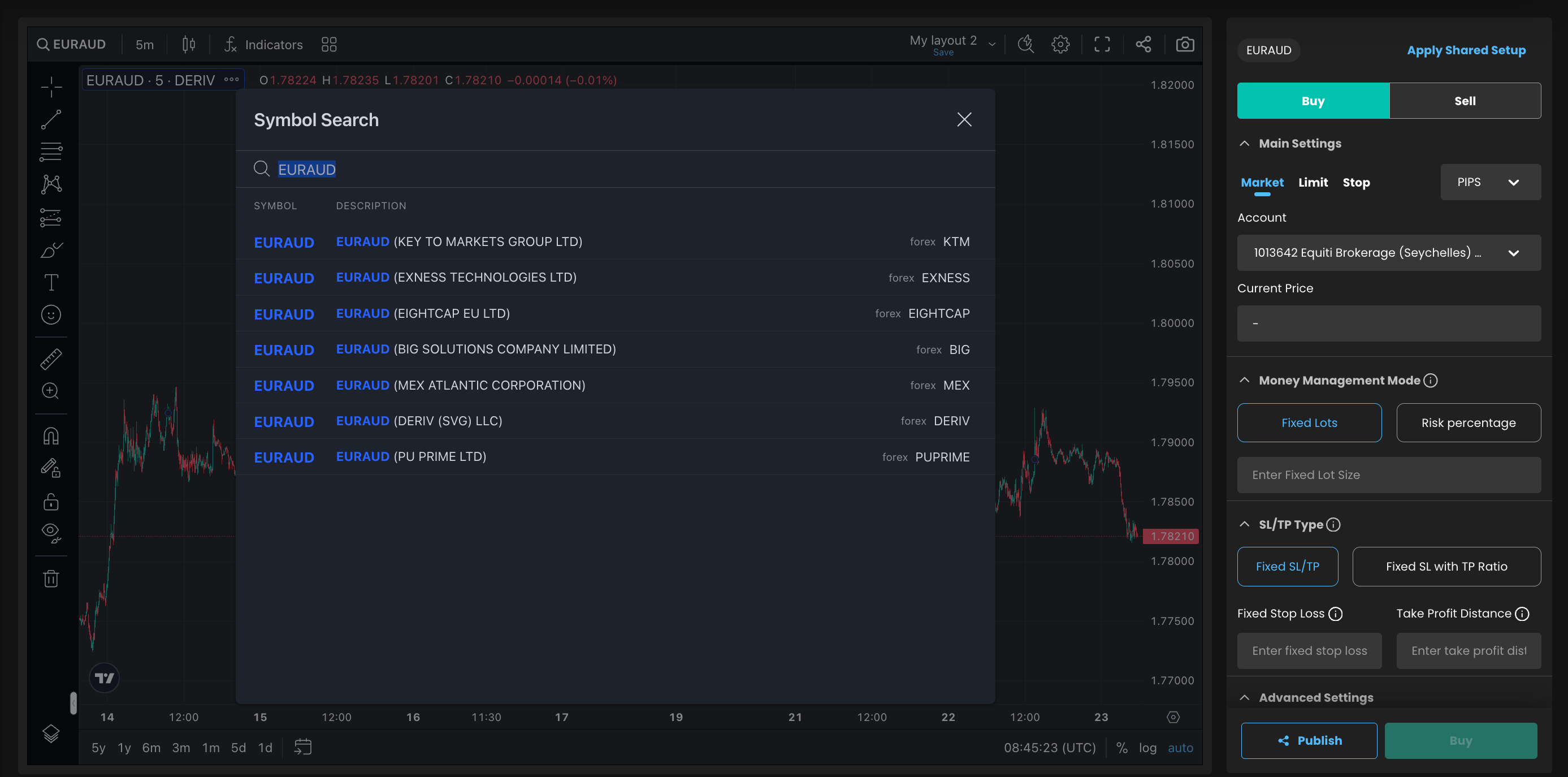
Select symbols directly from charts.
View charts for unsupported account symbols.
Access multi-broker chart data.
Visualize synthetic symbols directly on charts.
Why it matters: Gives traders a unified and powerful charting experience with flexible symbol management and more data transparency.
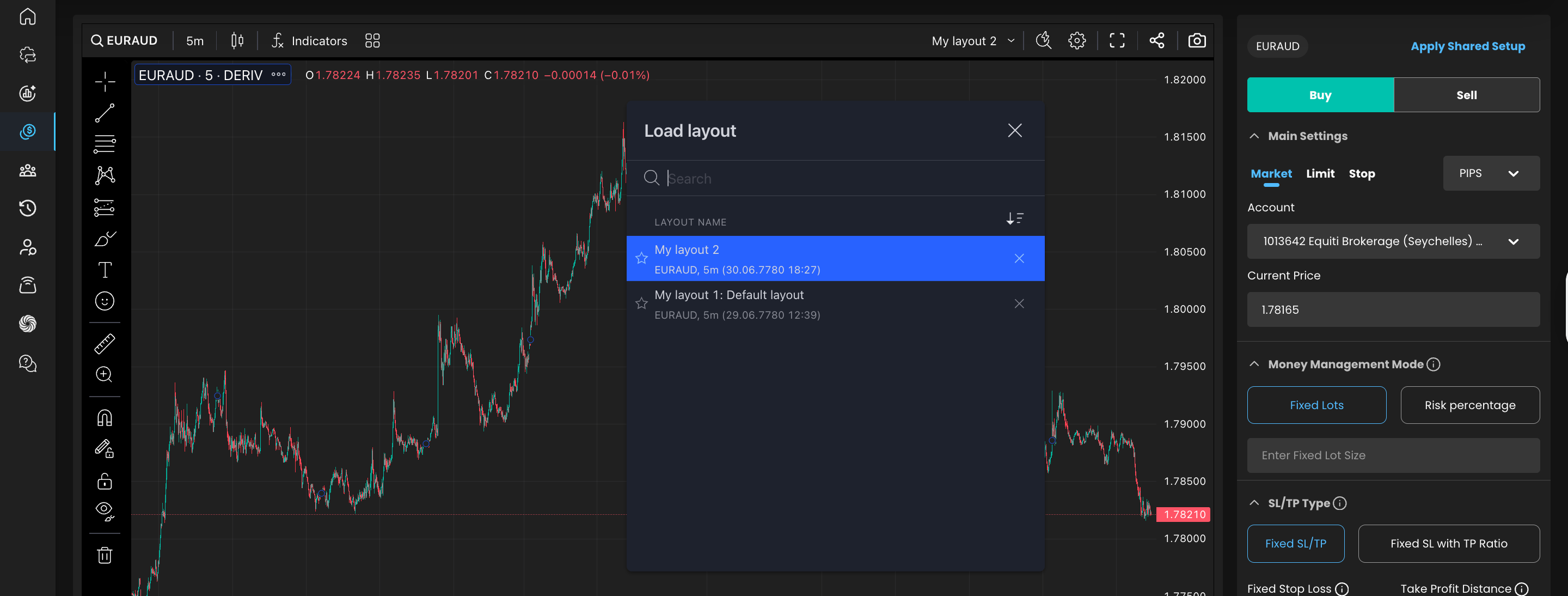
7. Chart Templates and Layouts
What’s new: Save chart templates, indicator templates, and full layouts.
Why it matters: Speeds up analysis and keeps your preferred setup ready at a click—perfect for multi-strategy users.
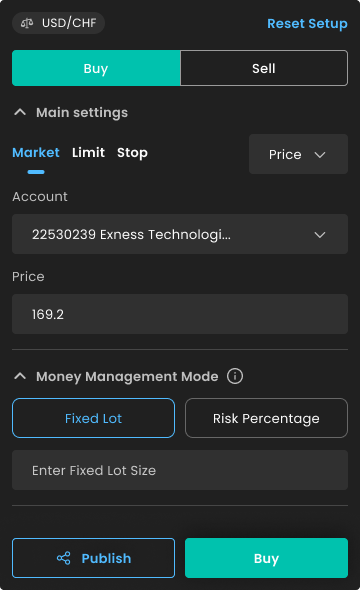
8. Quick Setup Reset
What’s new: Users applying shared setup links can now quickly reset the setup if needed.
Why it matters: Reduces friction and allows faster experimentation with shared strategies or configurations.
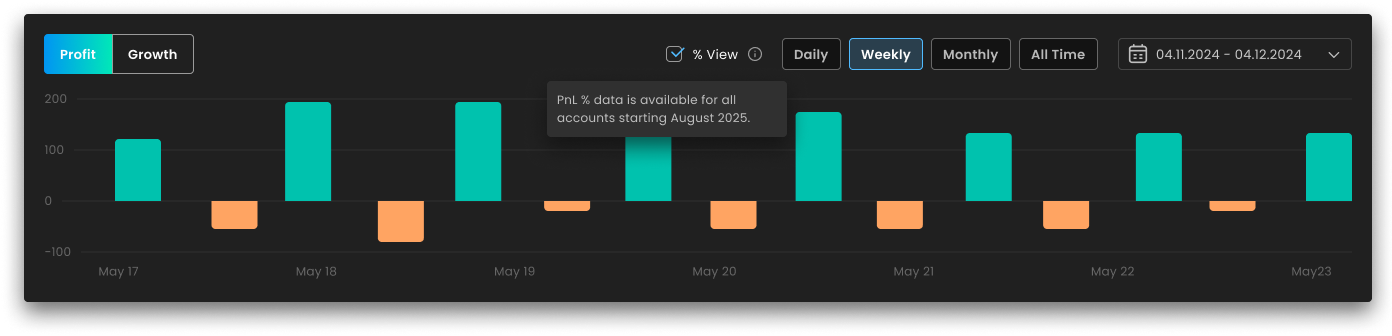
9. Profit in Percent by Default
What’s new: The dashboard now displays profit as a percentage automatically.
Why it matters: No more manual conversions—see performance clarity at a glance.
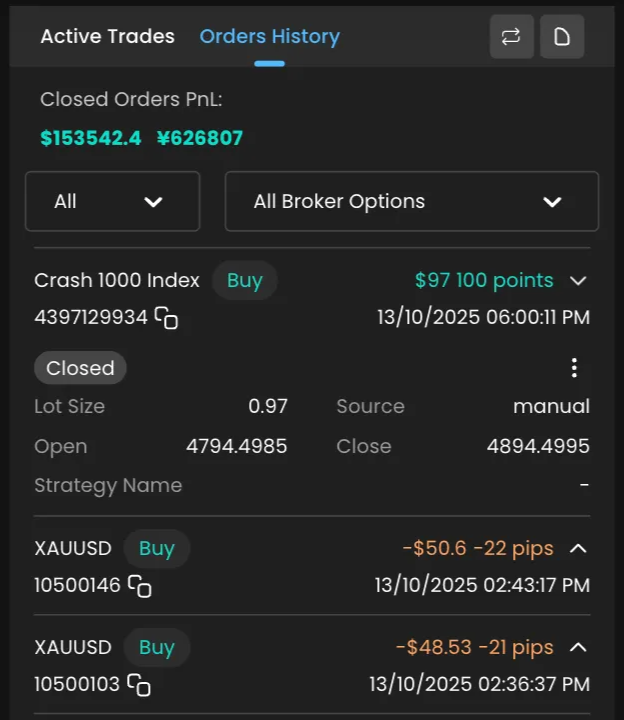
10. Improved Mobile View
What’s new: Refined interface for smaller screens.
Why it matters: Monitor positions and adjust strategies easily, even on the go.
Thank you for choosing SFX! Enjoy our latest features and stay tuned for more updates.